
In the modern era, the laptop is far more than a mere luxury; it is a portable command center. From the student drafting a thesis in a local coffee shop to the professional managing a remote team across different time zones, these devices have become the backbone of our daily productivity. However, this portability comes with an inherent risk. Laptops are subjected to a level of physical stress that stationary desktop computers rarely encounter. They are jostled in backpacks, exposed to varying temperatures, and, most frequently, fall victim to the occasional accidental drop or spill. When these marvels of engineering fail, the disruption to one’s life is immediate and significant.
The most vulnerable component of any laptop is undeniably the display. A single moment of distraction—a pen left on the keyboard before closing the lid or a slight slip of the hand—can result in the dreaded spiderweb of cracked glass. Beyond the aesthetic frustration, a damaged screen can render a device completely unusable, leaking liquid crystals or failing to register touch inputs. For those dealing with a fractured display, seeking a professional Laptop screen replacement in Chilliwack is often the most logical step to salvage a significant investment. Expert technicians understand that modern screens are not just pieces of glass; they are complex assemblies of backlighting, digitizers, and fragile ribbon cables that require a steady hand and specialized tools to navigate.
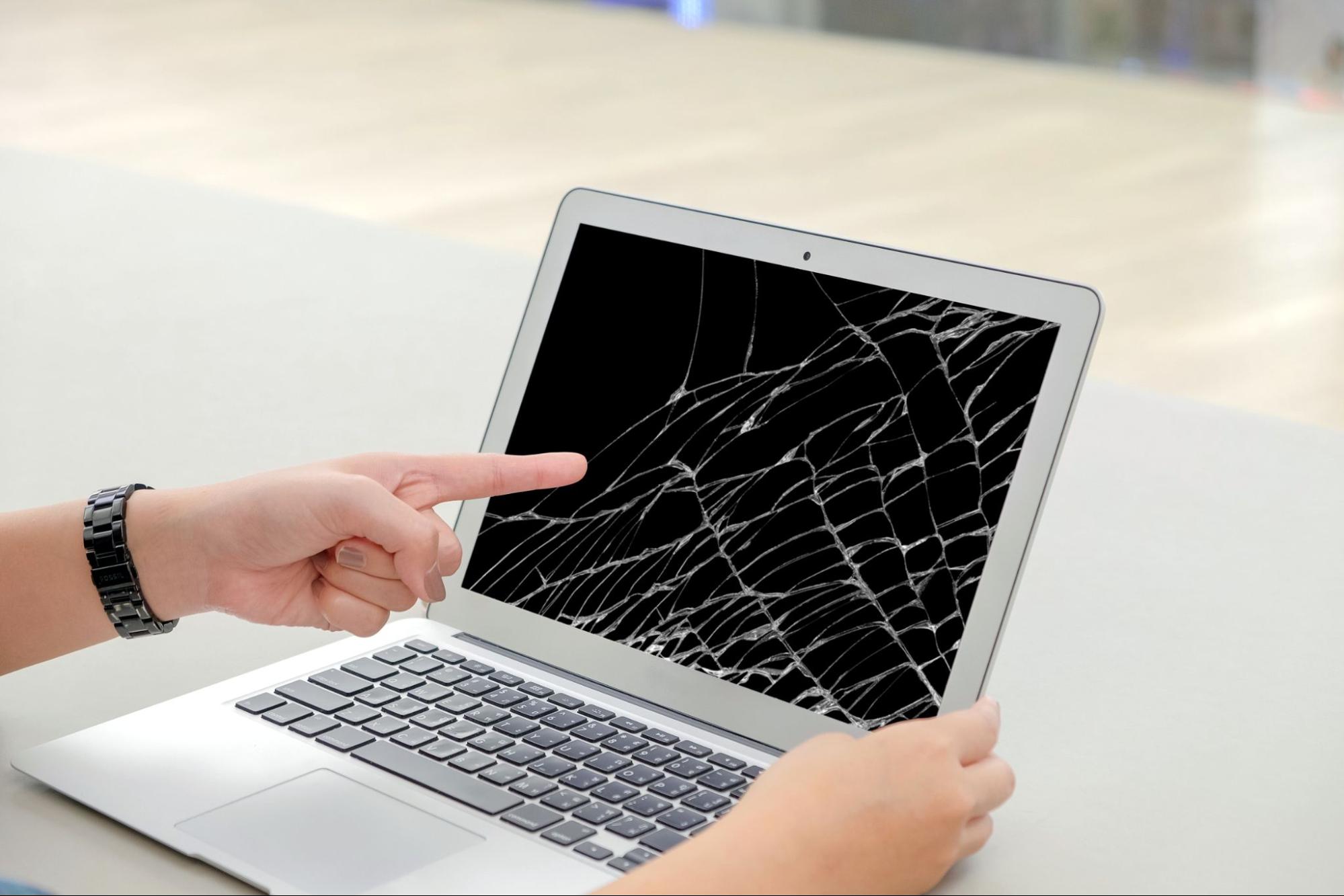
The Anatomy of a Screen Malfunction
It isn’t always a physical crack that signals a screen problem. Sometimes, the failure is more subtle. You might notice flickering lines, distorted colors, or a backlight that refuses to stay lit. These issues can often be traced back to the Video Graphics Array (VGA) cable or the Low-Voltage Differential Signaling (LVDS) cable that snakes through the hinges. Every time a laptop is opened and closed, these cables undergo mechanical stress.
Replacing a display involves more than just unscrewing the old panel. Technicians must ensure that the replacement part matches the original specifications exactly—down to the resolution, connector pin count, and mounting bracket placement. In the world of ultra-thin “ultrabooks,” many screens are fused to the top assembly with industrial-strength adhesives, making the repair process a delicate operation that balances heat application with precision prying.
Broadening the Scope of Device Longevity
While screens are the most visible point of failure, the internal components of a laptop are equally susceptible to the ravages of time and environment. Overheating is perhaps the “silent killer” of portable electronics. Because laptops cram high-performance processors into tiny chassis, they rely on small fans and copper heat pipes to move air. Over months of use, these cooling systems become magnets for dust and pet hair. When the airflow is restricted, the internal temperature soars, leading to “thermal throttling”—where the computer intentionally slows itself down to prevent catching fire.
When performance drops significantly, or the machine begins shutting down unexpectedly, it is usually a sign that deeper intervention is required. Comprehensive Laptop repair in Chilliwack encompasses a wide range of services designed to address these internal bottlenecks. From clearing out obstructed cooling fins and reapplying high-quality thermal paste to the CPU, to diagnosing failing hard drives, professional maintenance can often make a five-year-old machine feel like it just came out of the box. Understanding that a slow computer is often a “clogged” computer is the first step toward extending its operational lifespan.
Memory and Storage: The Performance Bottlenecks
Many users assume that a sluggish laptop simply needs to be replaced. However, in many cases, the culprit is an aging mechanical hard drive or insufficient Random Access Memory (RAM).
- The SSD Advantage: If your laptop still uses a traditional spinning hard drive, upgrading to a Solid State Drive (SSD) is the single most impactful change you can make. SSDs have no moving parts, meaning they are faster, quieter, and much more resistant to physical shocks.
- RAM Upgrades: As software becomes more resource-heavy, older laptops struggle to keep multiple tabs or applications open simultaneously. Increasing the RAM allows the processor to access data more quickly, eliminating the lag that often plagues multitasking.
These hardware upgrades are cost-effective alternatives to purchasing a brand-new device and represent a significant portion of what a modern technical workshop handles on a daily basis.
The Hinge and Chassis Challenge
One of the most overlooked aspects of laptop health is the mechanical integrity of the chassis. The hinges are the hardest working parts of the machine, bearing the weight of the display and the tension of constant movement. Often, the plastic standoffs that hold these metal hinges in place can snap, causing the casing to pull apart when the lid is moved.
If ignored, a failing hinge can eventually pinch the internal display cables or crack the screen from the inside out. Technicians often use specialized epoxies or replacement palm-rest assemblies to reinforce these areas, ensuring that the structural framework of the device remains sound. It is a reminder that a laptop is as much a mechanical device as it is an electronic one.
Liquid Spills: The Race Against Corrosion
We have all heard the “rice myth”—the idea that burying a wet phone or laptop in a bowl of rice will magically draw out the moisture. In reality, rice does very little to stop the true enemy: corrosion. When liquid (especially sugary coffee or acidic soda) hits a logic board, it begins an immediate chemical reaction with the copper traces and solder joints.
Professional restoration involves completely disassembling the device and cleaning the components in an ultrasonic cleaner with specialized chemicals. This process removes the microscopic residue that leads to short circuits weeks or months after the initial spill. Time is of the essence in these scenarios; the longer the liquid sits, the lower the chance of a successful recovery.
The Environmental Impact of Repair
Beyond the personal convenience of having a working computer, choosing to repair rather than replace is a victory for environmental sustainability. Electronic waste (e-waste) is one of the fastest-growing waste streams on the planet. Laptops contain heavy metals like lead, cadmium, and mercury, as well as valuable materials like gold and copper.
When we extend the life of a laptop by even two or three years, we reduce the demand for raw material mining and prevent hazardous materials from entering landfills. A high-quality repair is an investment in a circular economy, proving that the most sustainable device is the one you already own.
Choosing Expertise Over “DIY”
The internet is full of “do-it-yourself” guides that make laptop surgery look easy. However, these videos often gloss over the risks. Modern laptops use dozens of screws of varying lengths; putting a long screw into a short hole can pierce the motherboard, causing irreparable damage. Furthermore, the risk of Electrostatic Discharge (ESD) is very real; a tiny spark from your fingertip, invisible to the eye, can fry a sensitive microchip instantly.
Professional technicians operate in “static-safe” environments and possess the diagnostic software necessary to test every component—from the battery health to the integrity of the sectors on your drive. They provide a level of certainty that a home repair simply cannot match. When you hand over your device, you aren’t just paying for a part; you are paying for the diagnostic expertise that ensures the root cause of the problem is solved, not just the symptom.
Conclusion:
Laptop is more than a collection of plastic, silicon, and glass. It is a vessel for our creativity, a portal for our education, and a bridge to our loved ones. Whether it is a shattered screen needing replacement or a cooling system requiring a deep clean, maintaining these devices is an essential part of modern digital literacy. By prioritizing professional care and high-quality components, you ensure that your digital lifeline remains functional, efficient, and reliable for the long haul. In a world that moves at the speed of light, having a tool that can keep up is not just a convenience—it is a necessity.